FROM ARTICLE TO ACTION
How it works
Three simple steps turn a story into a brief that matters to you.
-
01
Find an article, text or PDF
Start with a page you are reading, pasted text, or a PDF.
-
02
Choose your template
Pick the questions that guide this particular analysis.
-
03
Get an impact brief
Customized to your profile: see what changed, why it matters to you, and what to consider next.



One-link setup · no token, no sign-up
Add SoWhatify to Claude in one link
Paste this URL into Claude as a custom connector. A browser page handles the sign-in, so there is no token to copy and nothing to configure — then start building templates, workflows and perspectives in conversation.
Using Claude Code?
Then run /mcp and approve in the browser — no token in the command.
Works in Claude.ai, Claude Desktop and Claude Code — plus ChatGPT, Cursor and a dozen other clients.
What you get

Personal, not generic
Every analysis is written against your profile, so you get implications for your job and your portfolio — not a summary anyone could have read.

Chat with your results
A brief is where the questions start. Ask a follow-up on any result — what it means for one client, what to check first — and the answer builds on the reading you just had. The conversation stays with the article.
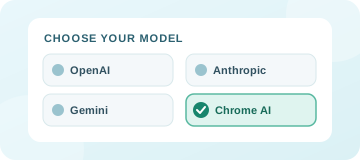
Your choice of AI
OpenAI, Anthropic, Gemini, or Chrome's on-device model. You bring the key, so there is no markup and no usage cap.

Your keys stay local
API keys never leave your browser — the sync endpoint refuses to store one. The only exception is a key you deliberately hand to a Dropbox you create. Sign in and your profile, templates, and history move to your account, which is what lets Chrome and Claude share them.
Also included: analyse a whole page or just your selection, keep working while analysis runs in the background, and reopen past results from local history.
See it work
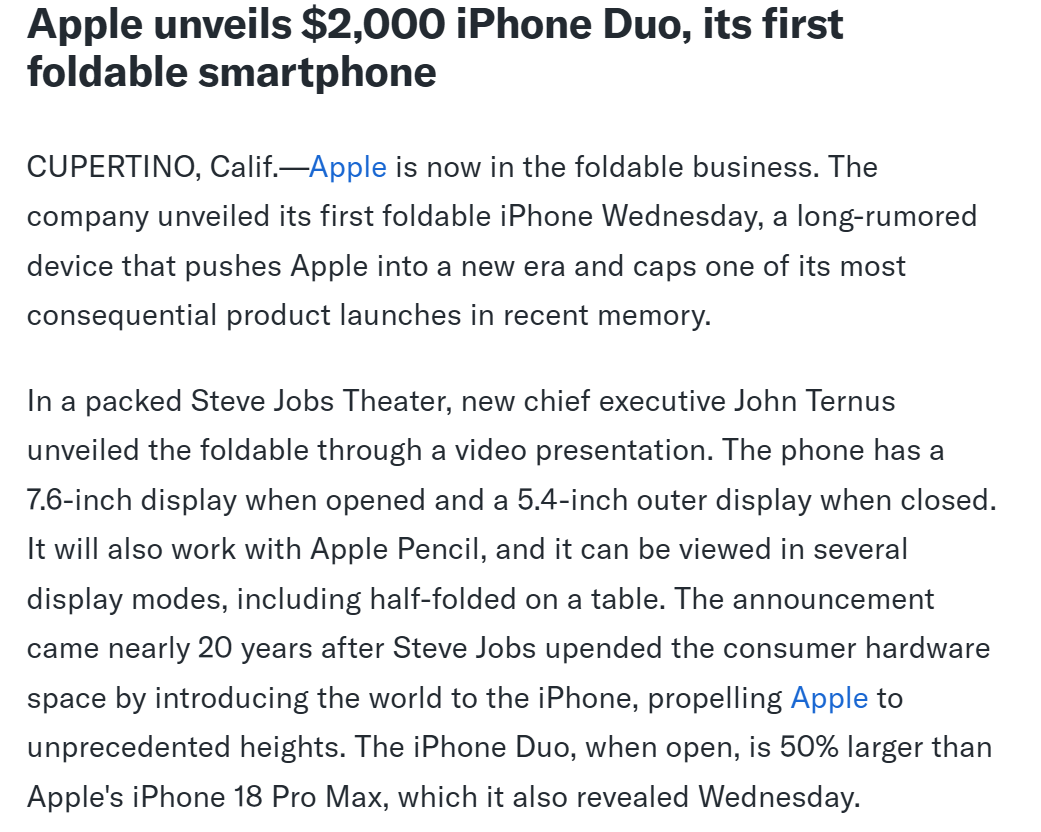
One article, from the page to a finished brief. About a minute, no sound needed.
Also — Dropboxes
If people send you documents to look at
Share a link, and clients upload without an account — the analysis you configured runs on what they send. Built for consultants, auditors and advisors rather than for reading the news.
Advanced tools for customized analysis
None of this is needed to read an article. It is here for when the default reading is not the one you want.
Save a set of questions and reuse it — a template
The questions an article gets read through. “What does this mean for my job?” is one. Install someone else’s, or write your own.
Fix who is doing the reading — a perspective
The same questions answer differently for a cautious auditor than for an opportunity-hunting investor. A perspective makes that choice explicit and reusable.
Run several passes in order — a workflow
Each step sees what came before, for when one pass is not enough to reach an answer.
Use it inside Claude instead of a browser — over MCP
Connect your account to Claude or another assistant with one link, and your templates, workflows and profile are available in a conversation rather than in a tab. Nothing to install and no token to copy.
Bring your own model key — BYOK
Choose the provider and supply the key. In the extension it stays on your machine and the analysis goes straight from your browser to the provider, so we never see the article or the key.
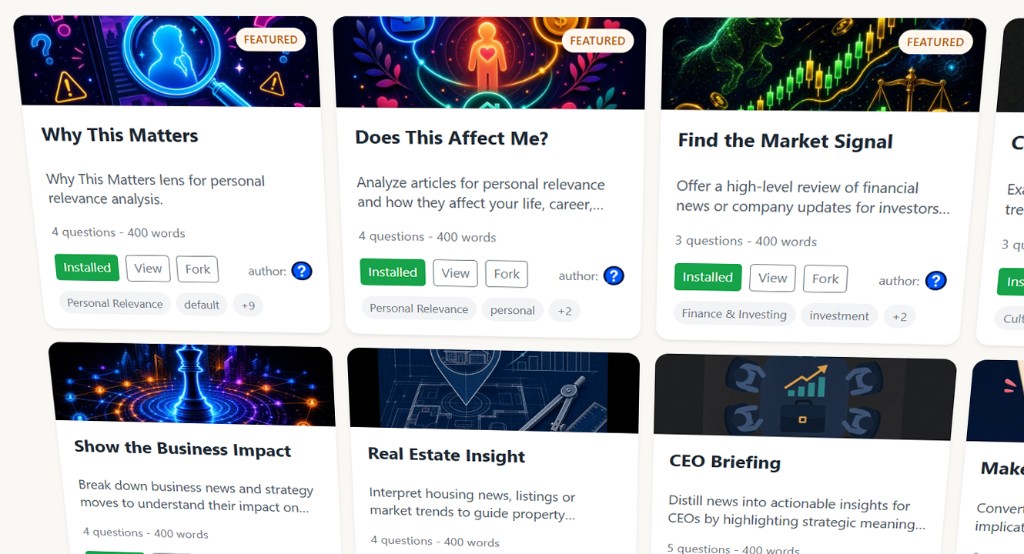
Featured templates
View allA template is a reusable set of questions that shapes how an article gets read. Install one, or fork it and make it yours.